No launcher, no installer, no account
Click a game and the page downloads what it needs in the background. The first load can take a minute for big games like Black Ops Zombies; after that your browser caches the data and the next launch is quick.

Black Ops Zombies, Halo CE, Skate 3, GTA Vice City, Quake and more, all in one list. Pick a game, check the setup, and play it in your browser.
The complete list
Games that start instantly come first, then the ones that need files from your own copy. Open any game for controls, setup and a play button.

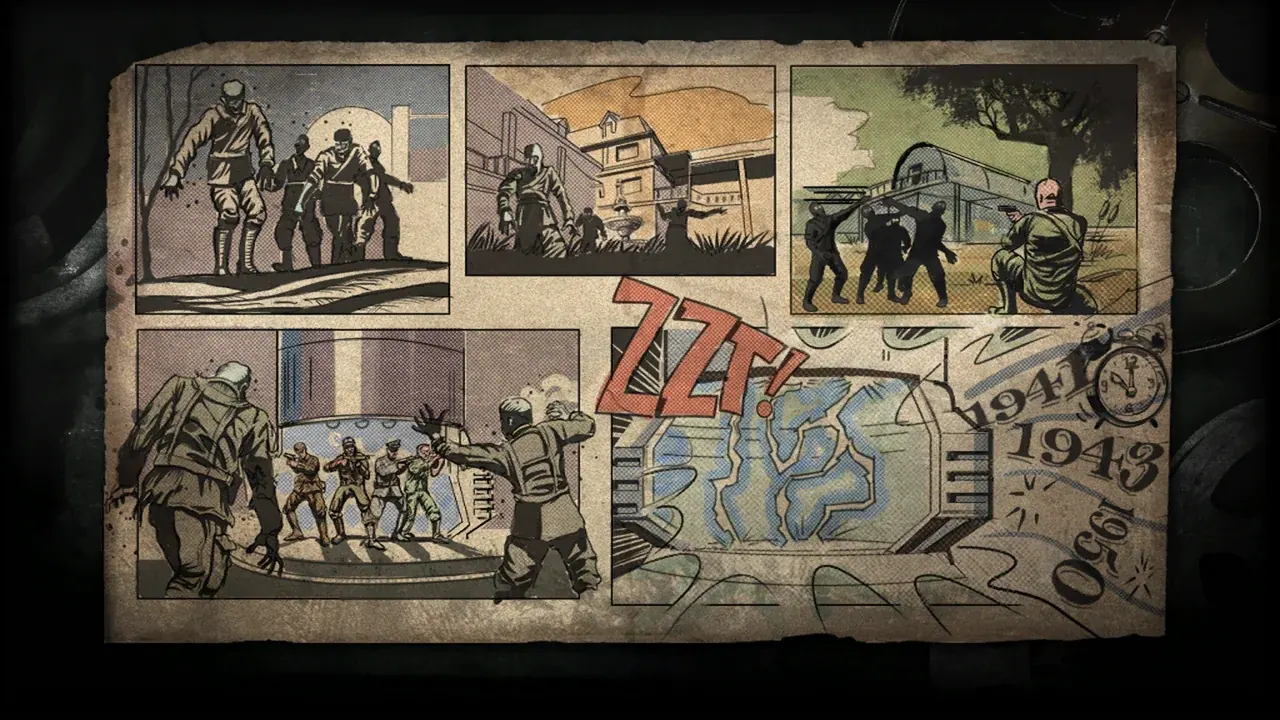
10 Black Ops 1 zombies maps. No game files needed.
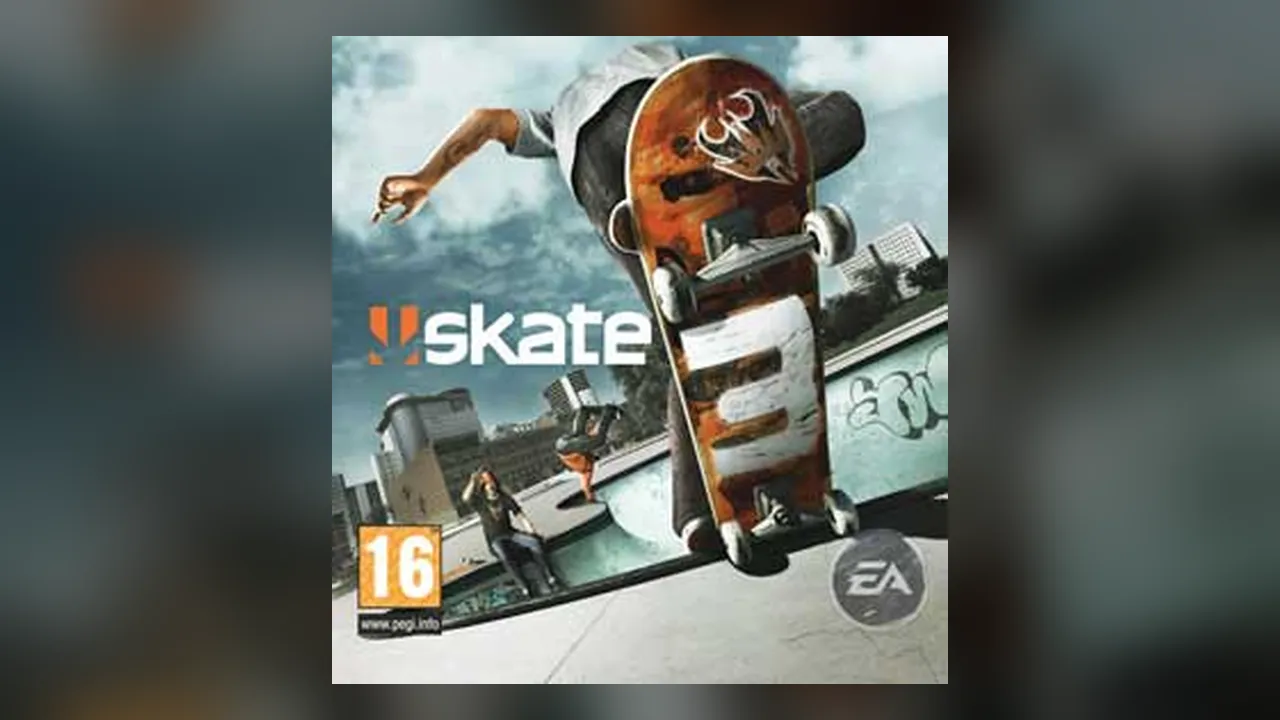
Fan-made Skate 3 engine in Rust. Needs WebGPU.
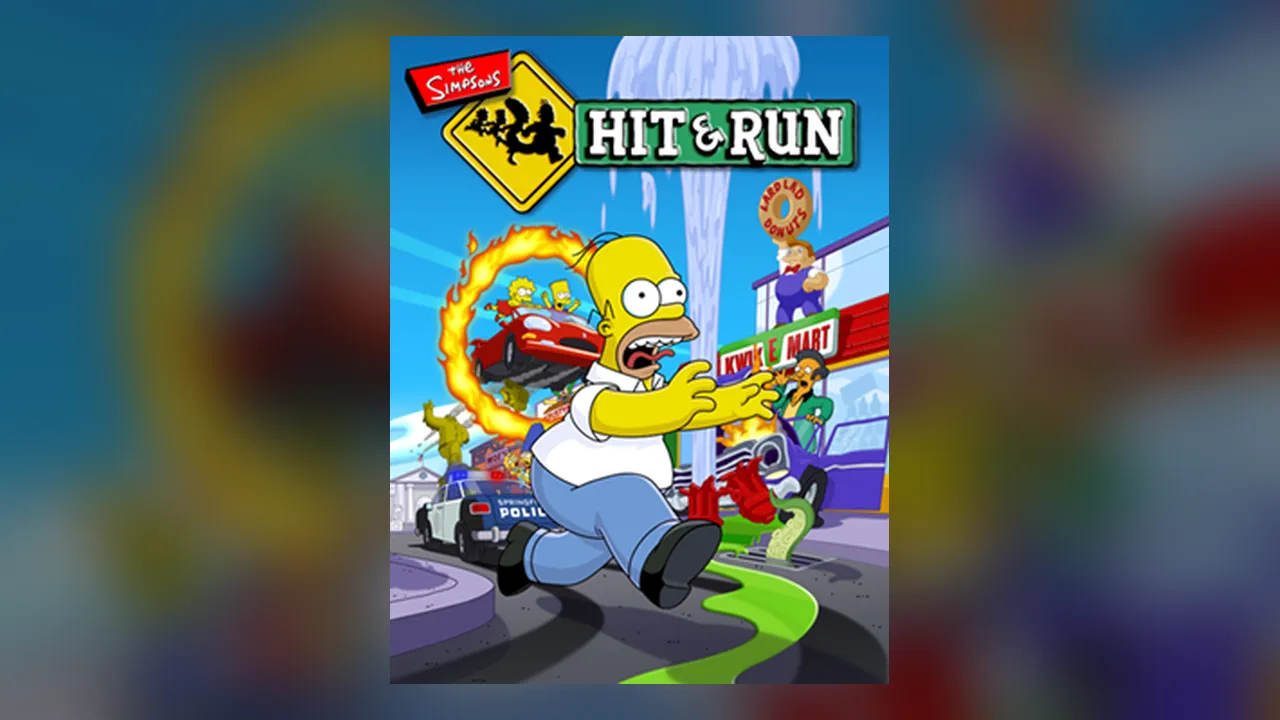
WebAssembly build of the 2003 game.
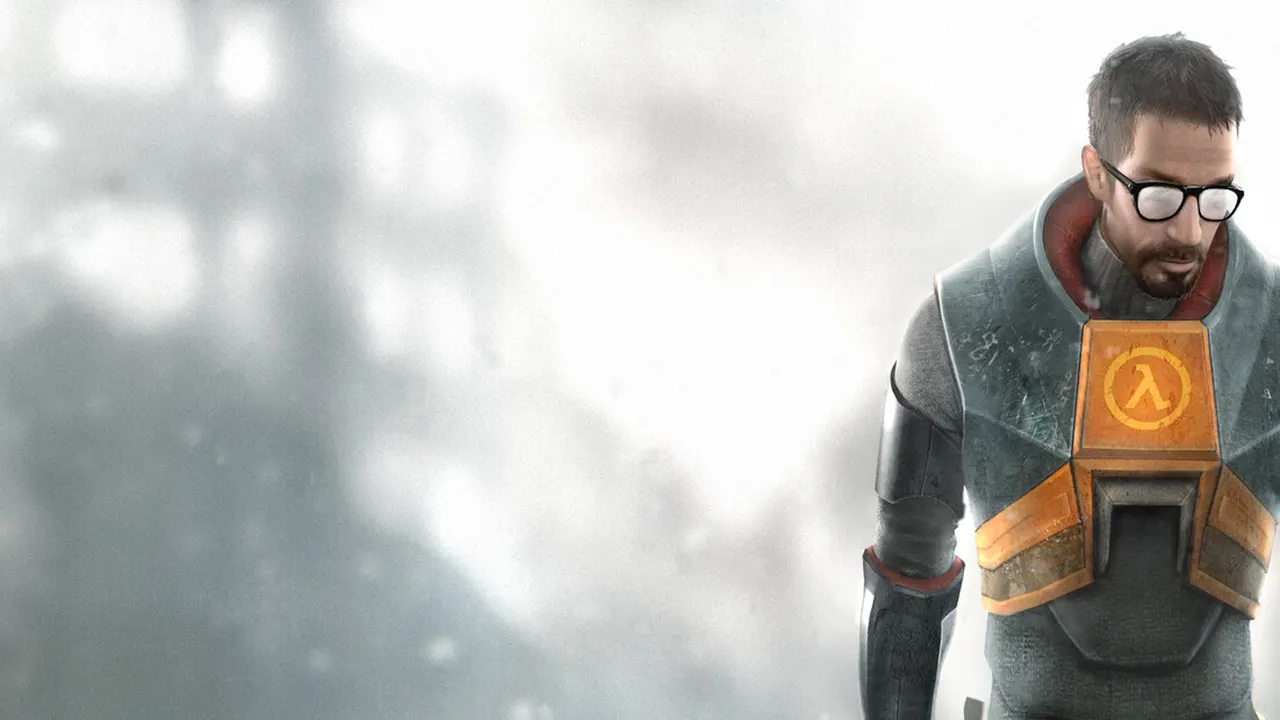
HL2 campaign and Deathmatch on a Source engine web build.
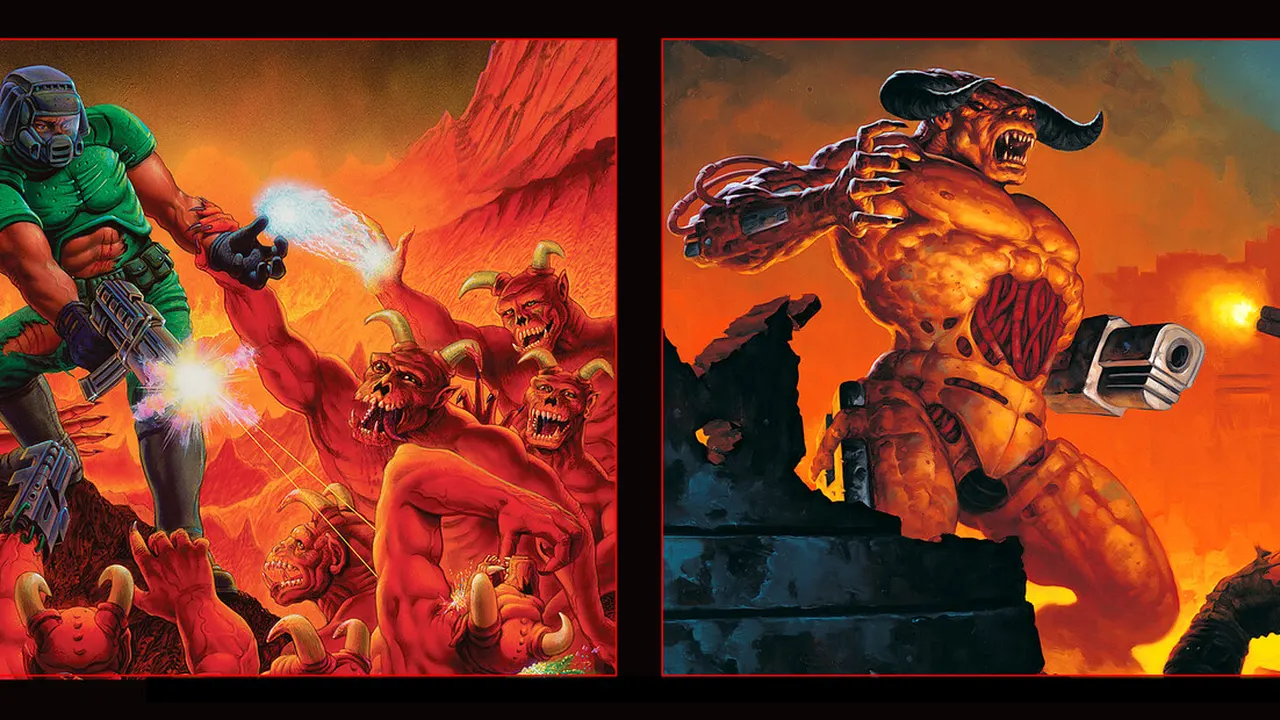
Original 1993 shareware, Freedoom and fan mods. ~60 MB.
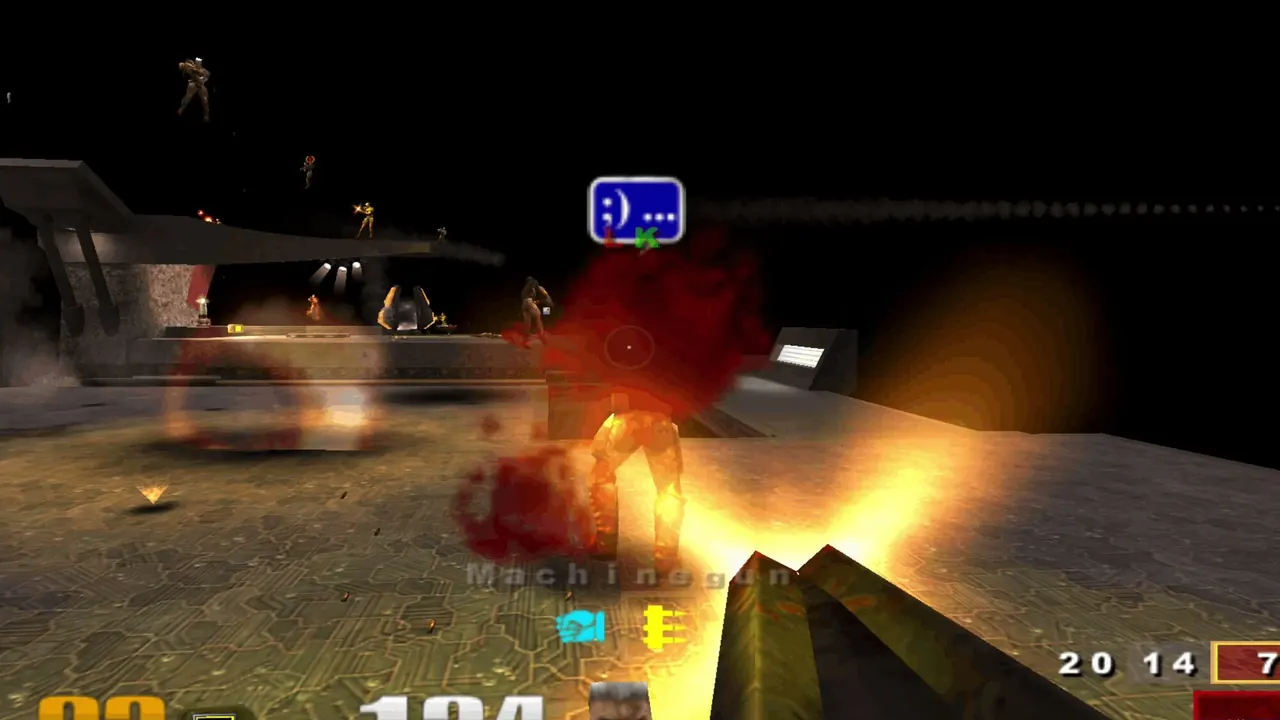
Quake III Arena multiplayer servers. No install.
CS-style surf, 25 courses and leaderboards. No game files.
GTA III on the open-source re3 engine.
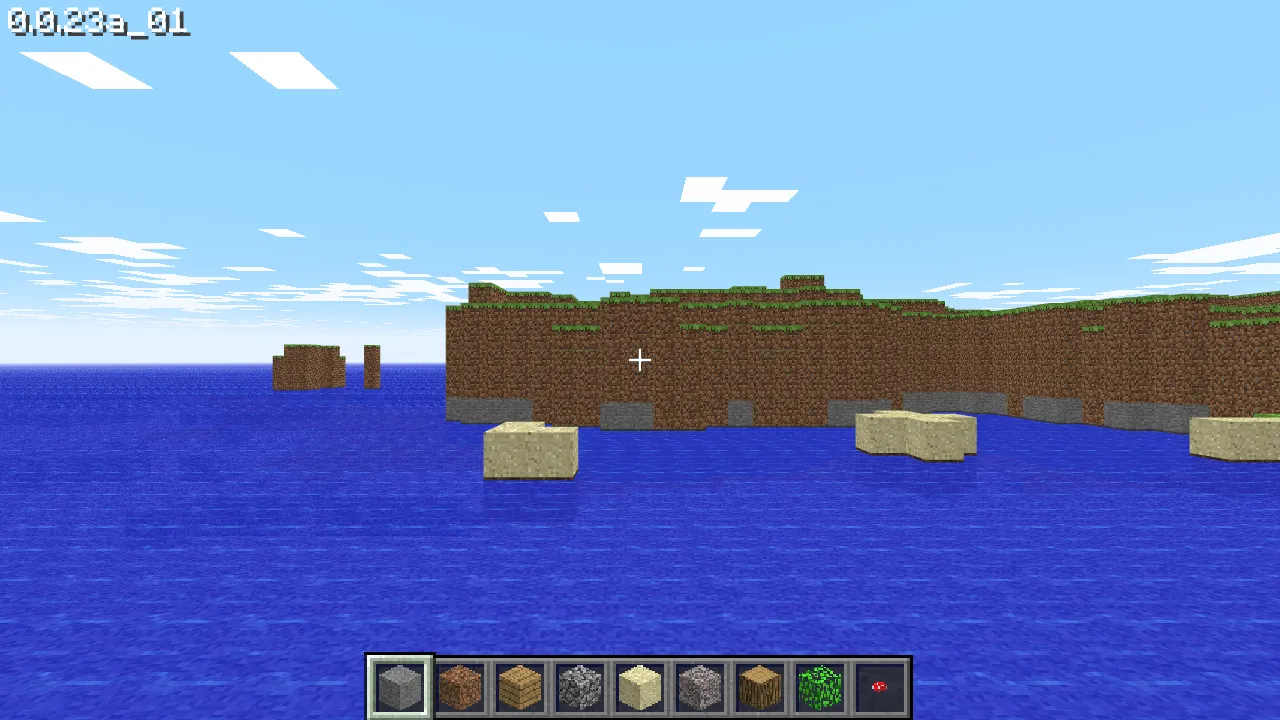
Mojang’s official 2009 Classic, free with link multiplayer.
QuakeWorld deathmatch for up to 8 players.
Quake II multiplayer deathmatch. No game files.
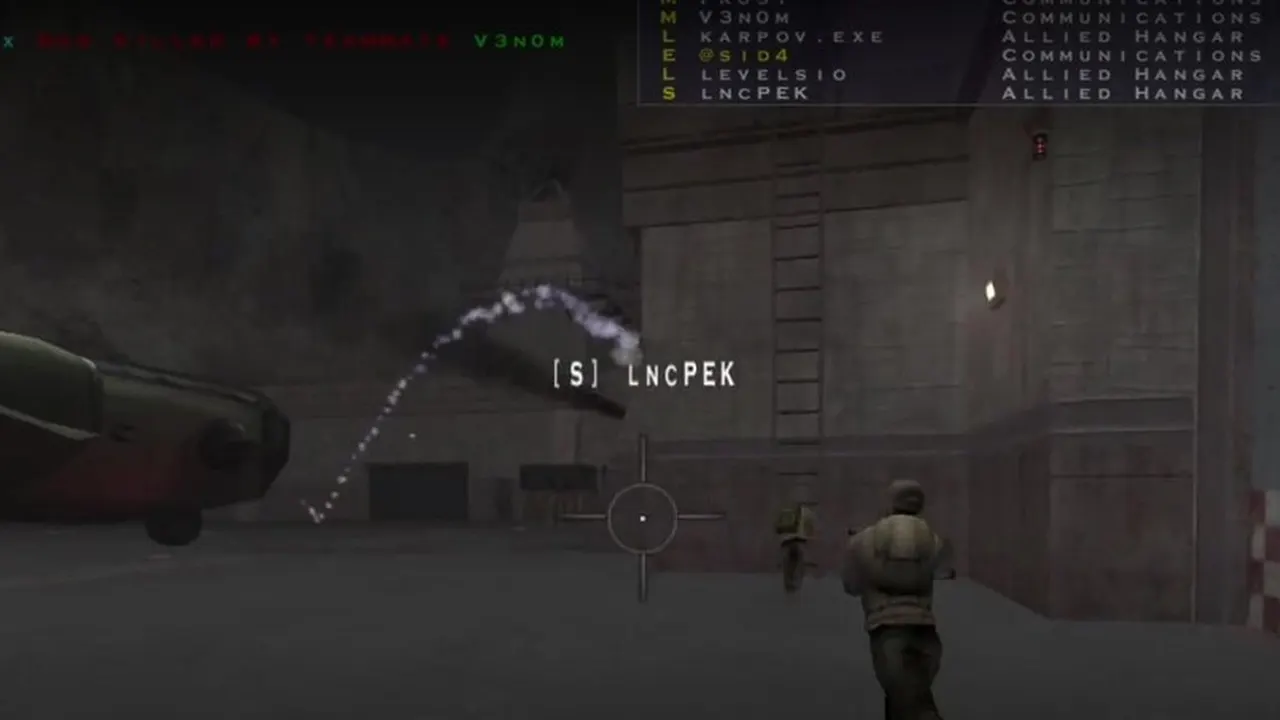
RTCW multiplayer on mp_beach. ~380 MB first load.
Advertisement
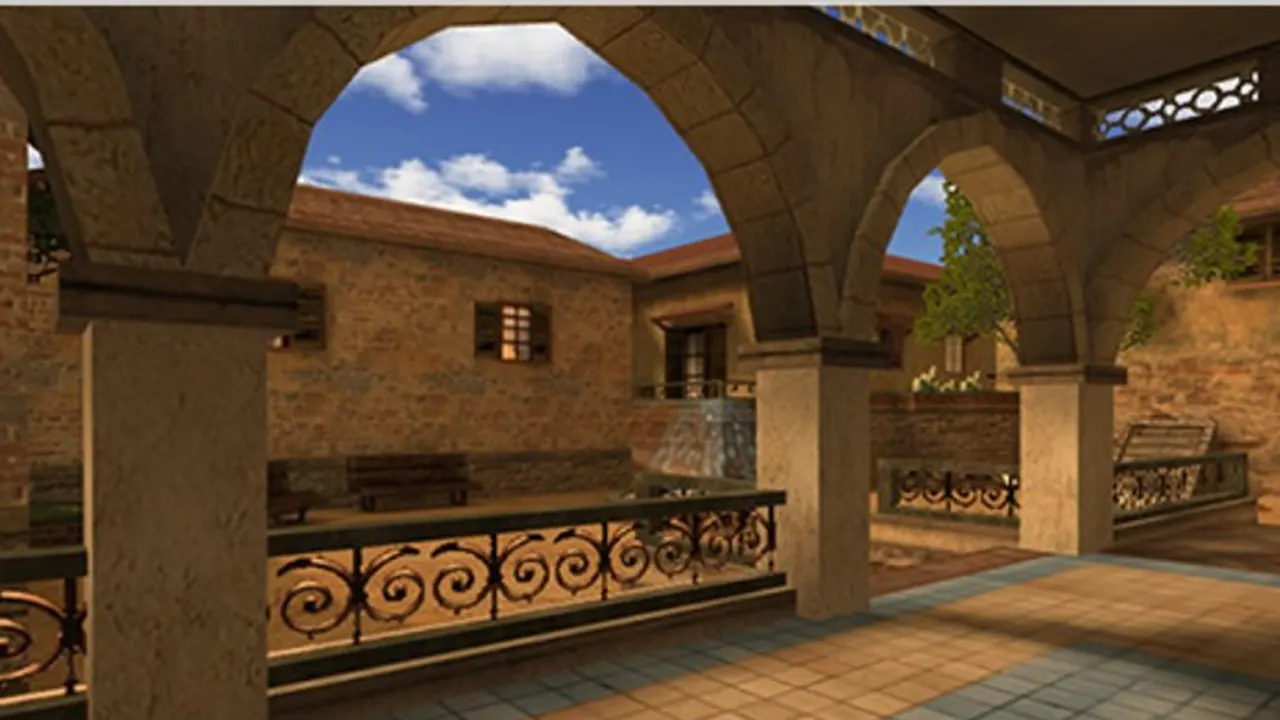
Free tactical shooter with live multiplayer servers.
Half-Life on the Xash3D engine, ported to the web.
PSP version emulated in the browser. Online and touch.
Free shareware demo, or the full game with your own file.
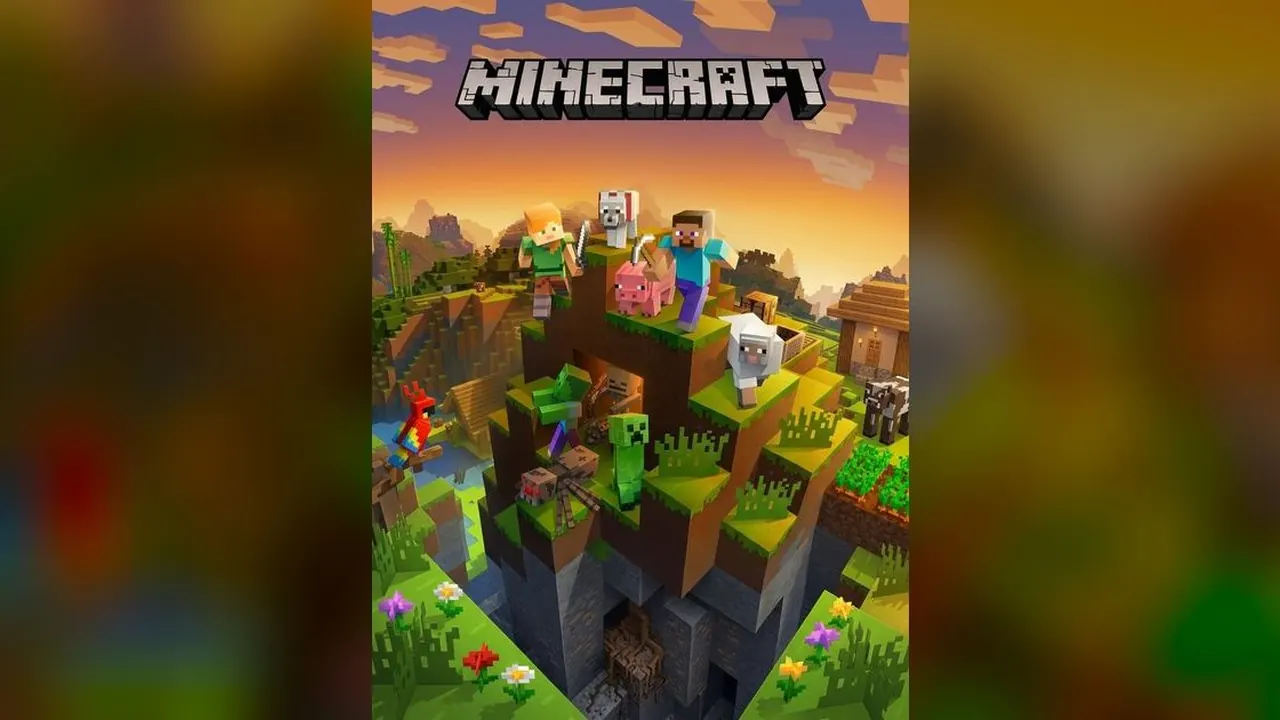
Eaglercraft survival and creative, saved locally.

Halo CE campaign and online play. Needs your Xbox ISO.
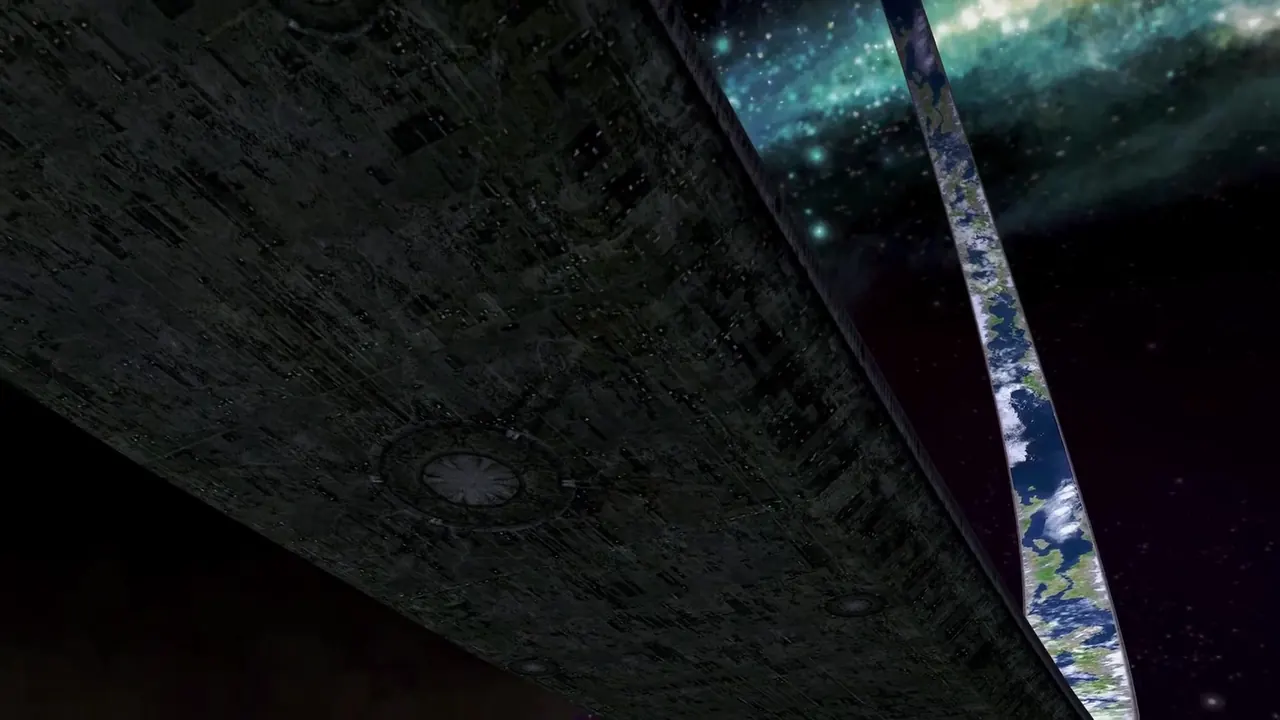
Halo CE web app for iPhone and Android.
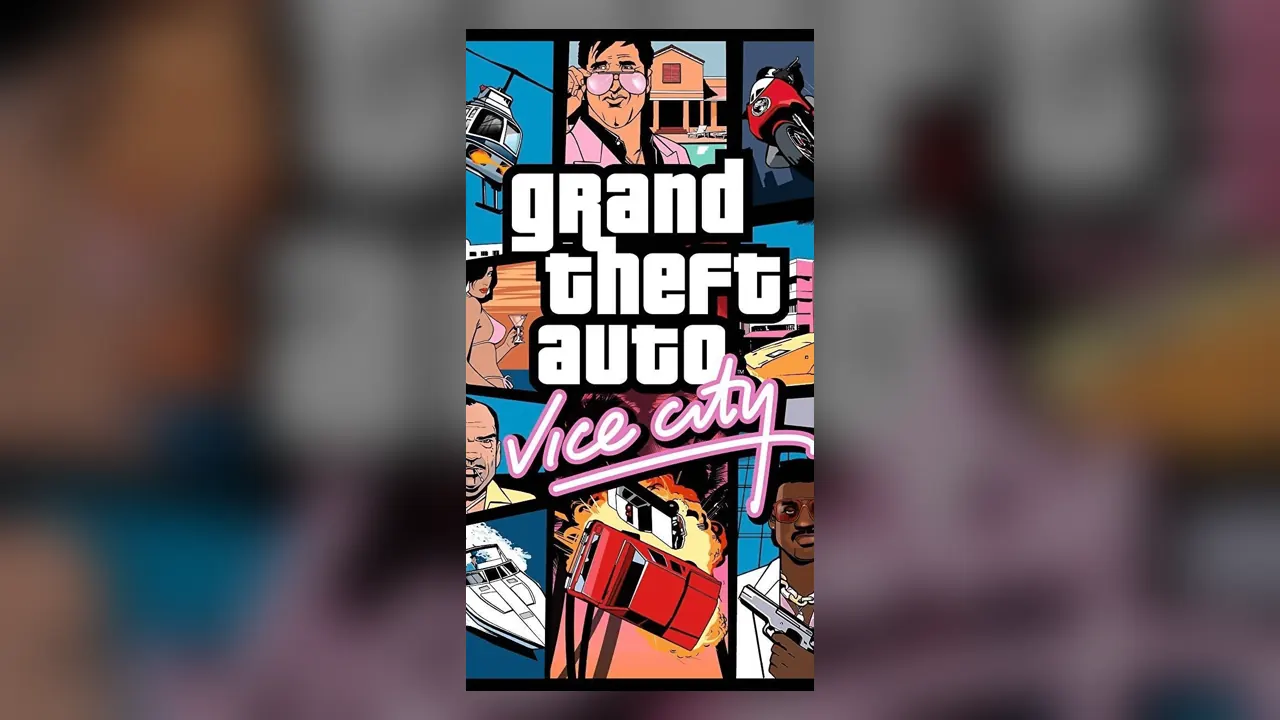
WebAssembly port. Import your game once, play offline.
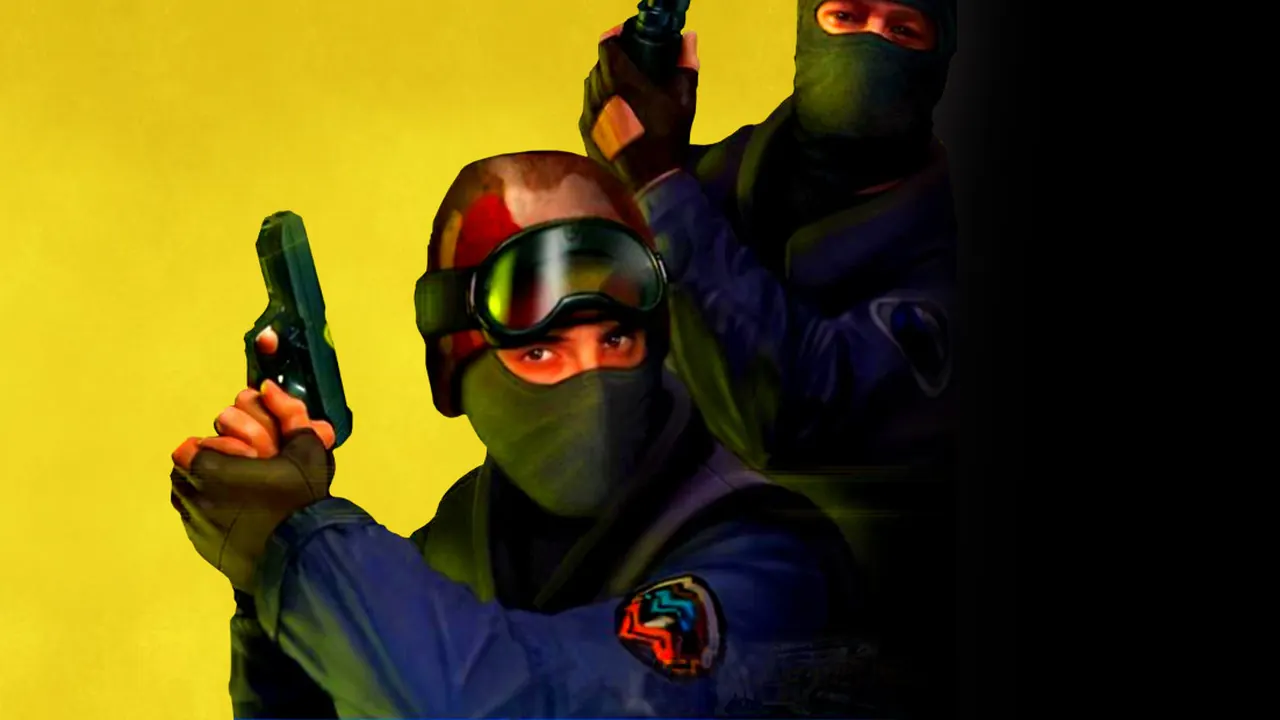
CS 1.6 and Half-Life on WebXash. Needs your game folders.
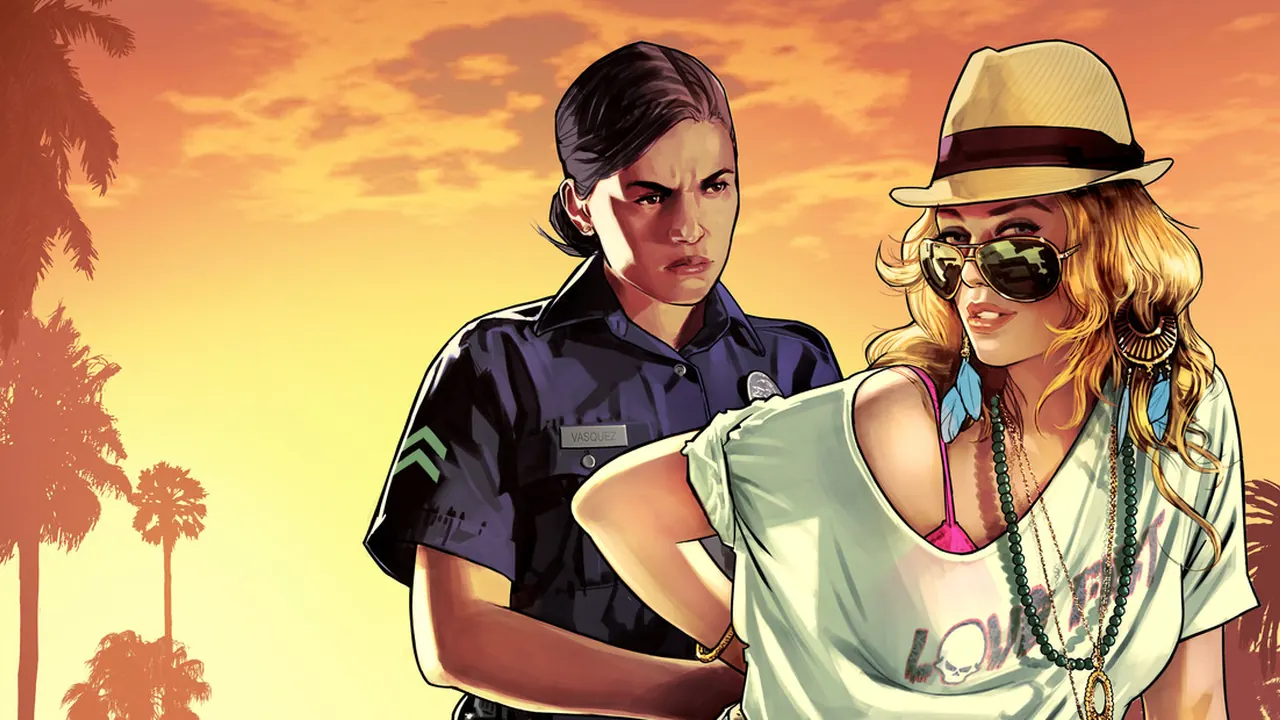
What the “GTA 5 in browser” link really is.
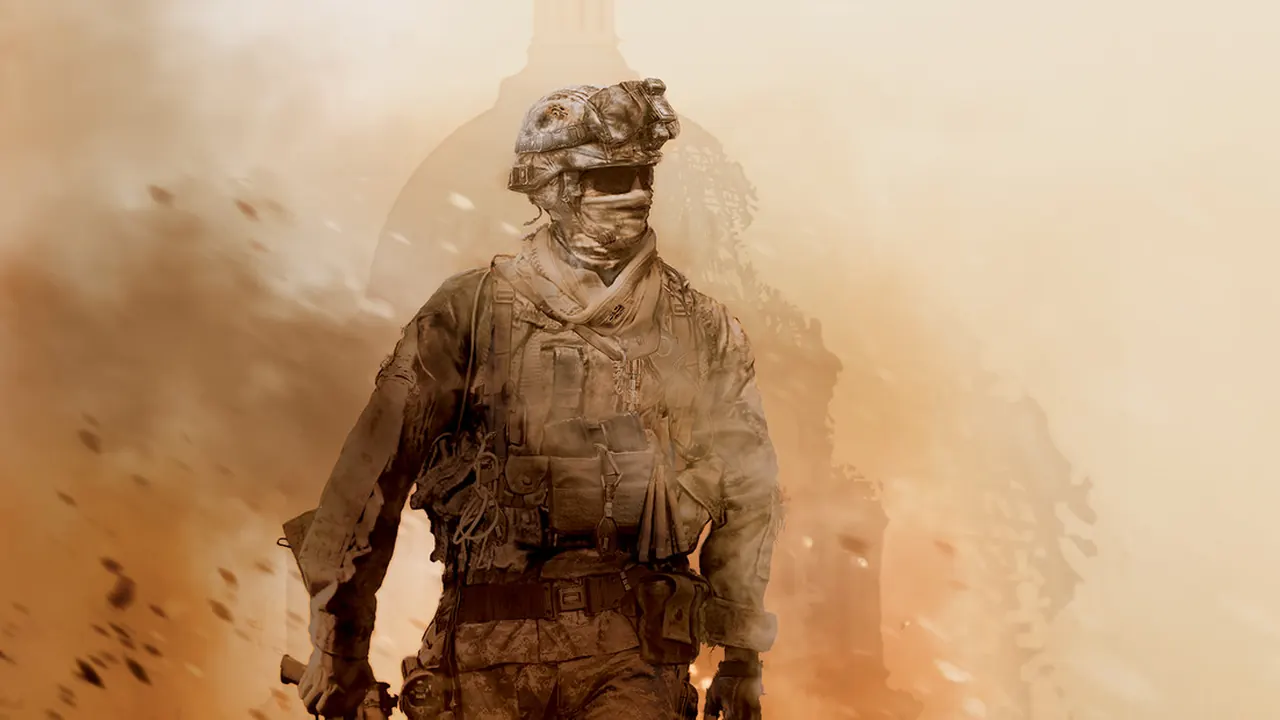
Modern Warfare 2 in the browser. Server often busy.
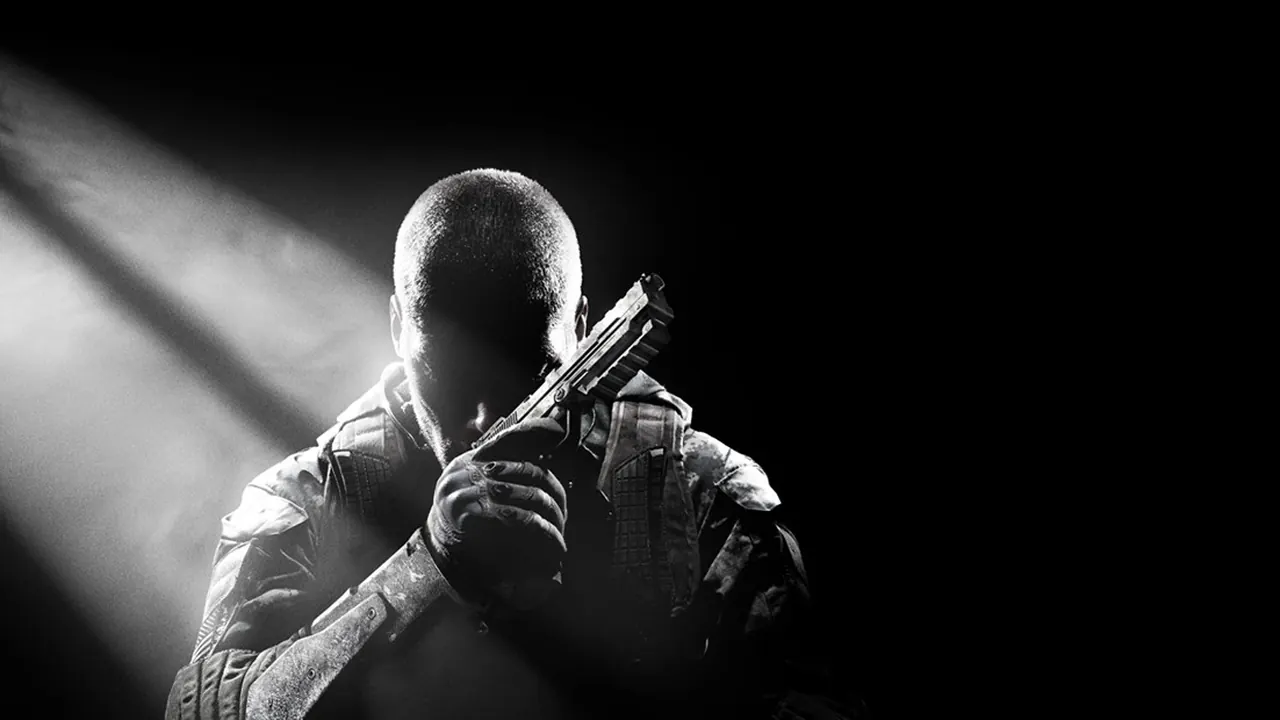
A Black Ops 2 parody project, not the real game.
1,000+ browser games: GTA, Minecraft, arcade and Flash.
Pick based on what you have and how you want to play.
Black Ops Zombies or CS Surf. Both start without anything from your own copy.
Open Black Ops ZombiesQuake III Arena or Urban Terror. Both have live multiplayer servers.
Open Quake III ArenaHalo CE or GTA Vice City. Both run your own game files in the browser.
Open Halo CEWhy it works
Each game is a real engine compiled to WebAssembly and runs inside your browser tab. Nothing gets installed; the game data loads in the background the first time you play.
Click a game and the page downloads what it needs in the background. The first load can take a minute for big games like Black Ops Zombies; after that your browser caches the data and the next launch is quick.
Quake, Quake II, Quake III Arena, Return to Castle Wolfenstein and Urban Terror run live servers you join straight from the browser. Halo CE Web adds invite links so friends can join your session.
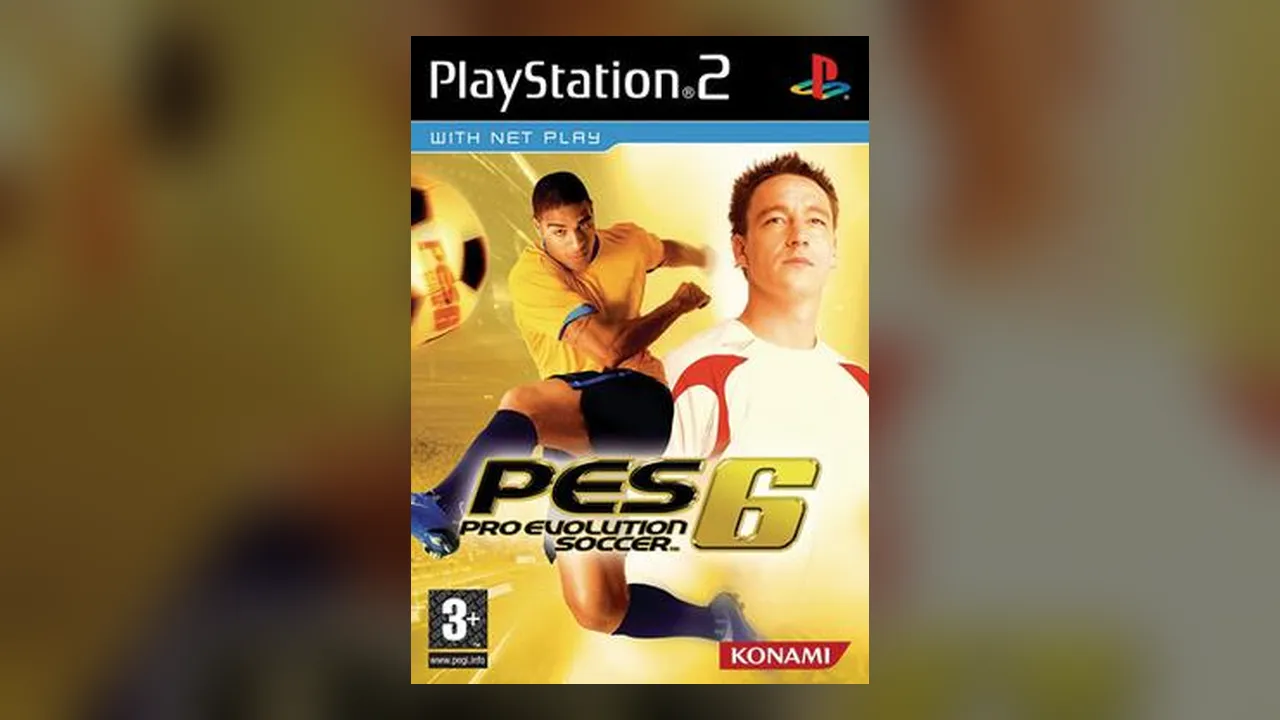
GTA Vice City, The Simpsons: Hit & Run, Diablo and PES 6 run in the browser instead of on a PS2, Xbox or old Windows PC. Some ports need files from your own copy; each game page says so before you start.
Pick your setup
Every game on the list works best here.
Use Chrome or Edge with hardware acceleration switched on, plus a keyboard and mouse. Shooters like Black Ops Zombies and Quake III Arena expect a mouse to aim.
Most games open, lighter ones run smoothest.
CS Surf, Diablo, Quake and Minecraft 1.8.8 are the safest picks on a Chromebook. Heavy 3D games such as Halo CE and GTA Vice City need a recent model with enough memory.
Two games are built for touch.
Halo CE Mobile installs to your home screen on iPhone, iPad and Android, and PES 6 supports touch controls. The rest are desktop-first and feel awkward on a touch screen.
Plug in a gamepad for sports and Halo.
Halo CE Web and PES 6 both accept a controller. Halo even switches aim assist on automatically when it detects one.
Quick start
Open its page to check the controls and whether it needs your own game files.
Most games load right on the game page; the rest open on their project site. Wait for the first download and do not refresh.
This captures the mouse. Press Esc any time to get your cursor back.
About this site
The Radiant Optimizer browser games went viral in October 2026, when the Radiant Optimizer account on X showed Black Ops Zombies, Halo, Skate 3 and other console classics running in a web browser. BrowserGamesList collects those games, plus a few close relatives, in one place.
Each game gets its own page that explains what it is, the controls, whether it needs files from your own copy, and which devices it runs on. When a link stops working we replace it with a working version or take it off the list, so you are not sent to dead pages.
BrowserGamesList is independent. We are not Radiant Optimizer and we do not host any game; every title runs on its own project site.
FAQ
They are console and PC classics such as Black Ops Zombies, Halo CE, Skate 3 and GTA Vice City that run inside a web browser, made popular by a viral October 2026 post from the Radiant Optimizer account. They are fan projects and engine ports hosted on separate sites, collected here with a guide for each.
Opening and playing the sites costs nothing. Halo CE, Halo CE Mobile and GTA Vice City ask for files from a copy of the game you own, and Diablo runs its free shareware demo unless you add your own game file. Everything else starts with one click.
The games run on public project pages, mostly WebAssembly ports and preservation projects, and none of them needs an installer. Stick to the links on this site, and close any page that asks you to install a launcher, an .exe or a browser extension.
Right here. The list above has every working Radiant Optimizer browser game, plus GTA III and Minecraft 1.8.8. Games that start instantly are at the top, and games that need your own files come after them.
Most of them open on a recent Chromebook in Chrome. Lighter games like CS Surf, Diablo, Quake and Minecraft 1.8.8 run best; Halo CE and GTA Vice City need more memory. Close other tabs before you launch a big 3D game.
Halo CE Mobile and PES 6 are made for touch screens and work on iPhone and Android. The shooters and open-world games are built for a keyboard and mouse, so a desktop or laptop gives a much better experience.
Big games download hundreds of MB the first time, so give it a minute and do not refresh. If it still hangs, turn on hardware acceleration in your browser settings, close heavy tabs, and click inside the game window. A server marked as busy, like Modern Warfare 2, may need a retry later.
No. BrowserGamesList is an independent site that organizes the games from the Radiant Optimizer post. We are not affiliated with Radiant Optimizer, Activision, EA, Microsoft, Rockstar or Valve.