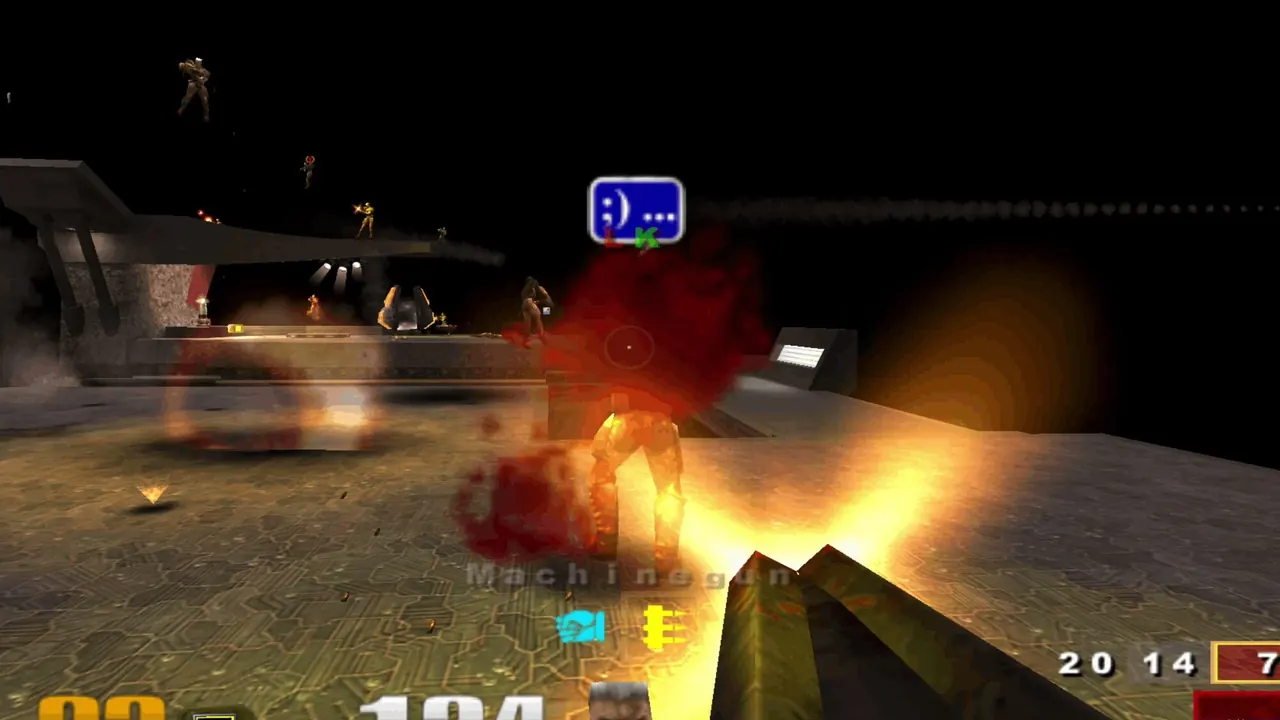
How Quake III Arena Runs in the Browser
The site is powered by Q3JS, a non-commercial fan project by @lukathedev that builds the GPL-licensed ioquake3 engine for WebAssembly and WebGL. It uses the demo data id Software released for free, so you do not need the retail game.
q3.pieter.com is one public server on that engine, with a live player list and a frag leaderboard for the last 24 hours, 7 days, 30 days and all time. pieter.com is the personal site of Pieter Levels (@levelsio), who calls it an online computer history museum. It is unofficial and not affiliated with id Software.
How to Play Quake 3 Online in Your Browser
- 1Press Play, type a player name and hit Play.
- 2Wait for the first download; it is cached for next time.
- 3Click inside the game to lock the mouse. You join the match already running on the current map.
- 4Maps rotate between rounds; the page shows the current and next map (for example q3dm17, then q3tourney2).
Is Quake 3 Arena Free in the Browser?
Free, demo content
Yes. The browser version uses the free demo maps, so there is nothing to buy. The full retail campaign and maps are not included.
Phone and gamepad
The site advertises mobile and gamepad support, so you can join from a phone or with a controller.
More servers
Q3JS (q3js.com) lists other live arenas, a server browser and weapon guides if this server is empty or full.
Quake 3 Browser FAQ
Is Quake 3 Arena free to play online?
The browser version is free and uses the officially released demo maps. No account or purchase is needed.
Can I play Quake 3 in the browser on mobile?
Yes. The site supports mobile and gamepads, although mouse and keyboard is still the most precise way to aim.
Is Quake 3 still active online?
This server shows its live player count on the page; when we checked on October 11, 2026, 32 players were online.
Sources
Facts on this page were checked on 2026-10-11.