Minecraft Classic Multiplayer: Invite Friends by Link
You are the host
When a world is generated, the game shows an invite link. Copy it (or use Copy Hidden) and send it to friends; they pick a username and join.
Peer to peer
Players connect through WebRTC, so your browser must support it. If the host leaves, a player can relaunch the game as the new host based on the same world.
Commands
The host can use /kick and /tp in chat. /op and /deop are disabled.
Worlds, Saves and Settings
Three world sizes
Small (128), Normal (256) or Huge (512) blocks across. Changing size generates a new level.
Saved in your browser
Your world seed and every block you changed are stored in the browser, so the world is still there next visit unless you clear site data.
Music
Music can be switched on or off from the menu.
Can You Play Minecraft Classic on Mobile?
No. On a touch device the game stops with “Sorry! This version of Minecraft requires a keyboard.” You need a computer with a keyboard and a browser that supports WebGL and WebRTC.
If you want a fuller Minecraft in the browser, the Minecraft 1.8.8 (Eaglercraft) page covers a community port with survival, the Nether and redstone.
Minecraft Classic FAQ
Is Minecraft Classic free?
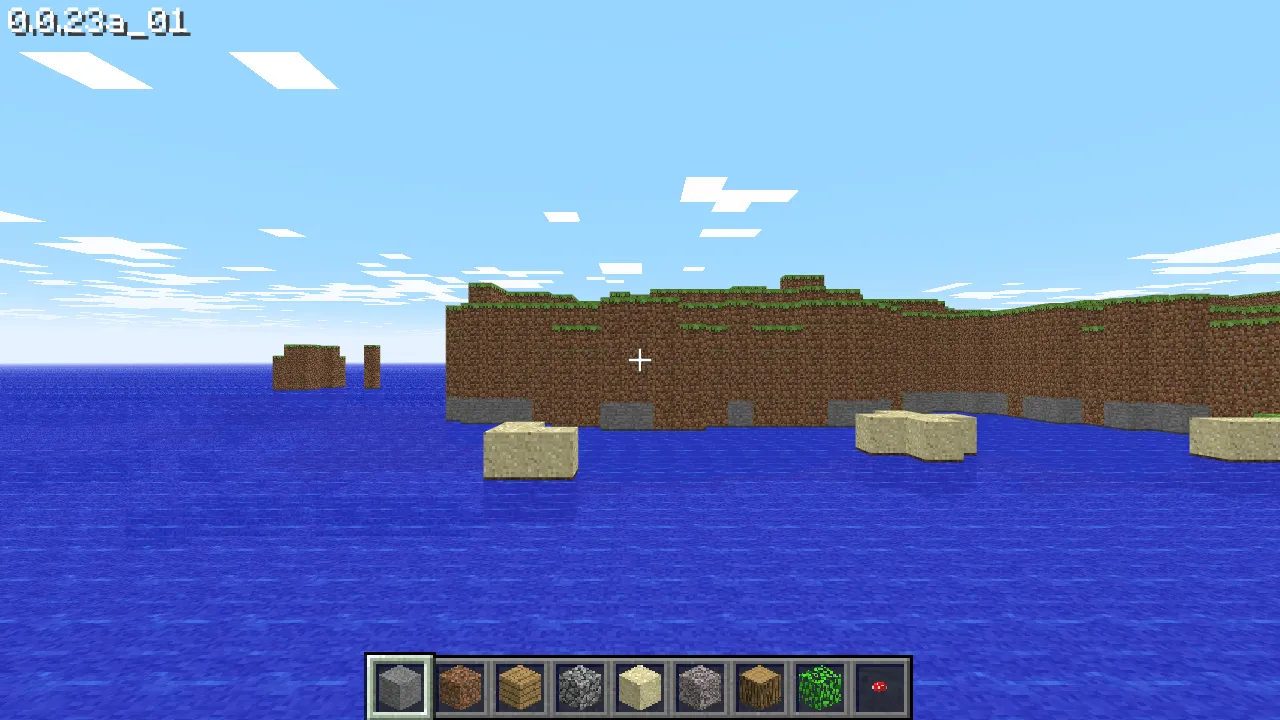
Yes. Mojang released it free in the browser in May 2019, with no account needed.
Is Minecraft Classic official?
Yes. Unlike most browser ports on this site, it is made and hosted by Mojang at classic.minecraft.net.
How many blocks does Minecraft Classic have?
32, matching the 2009 Classic release it recreates.
Sources
Facts on this page were checked on 2026-10-11.