What the GTA Vice City Browser Port Is
The engine comes from re3/reVC, an open-source reverse-engineering of the GTA III and Vice City engine. The DOS Zone team (specialist003, caiiiycuk and SerGen) compiled it to WebAssembly, Lolendor packaged it as reVCDOS, and joncodeofficial built this browser client, which stores everything locally instead of streaming from a server.
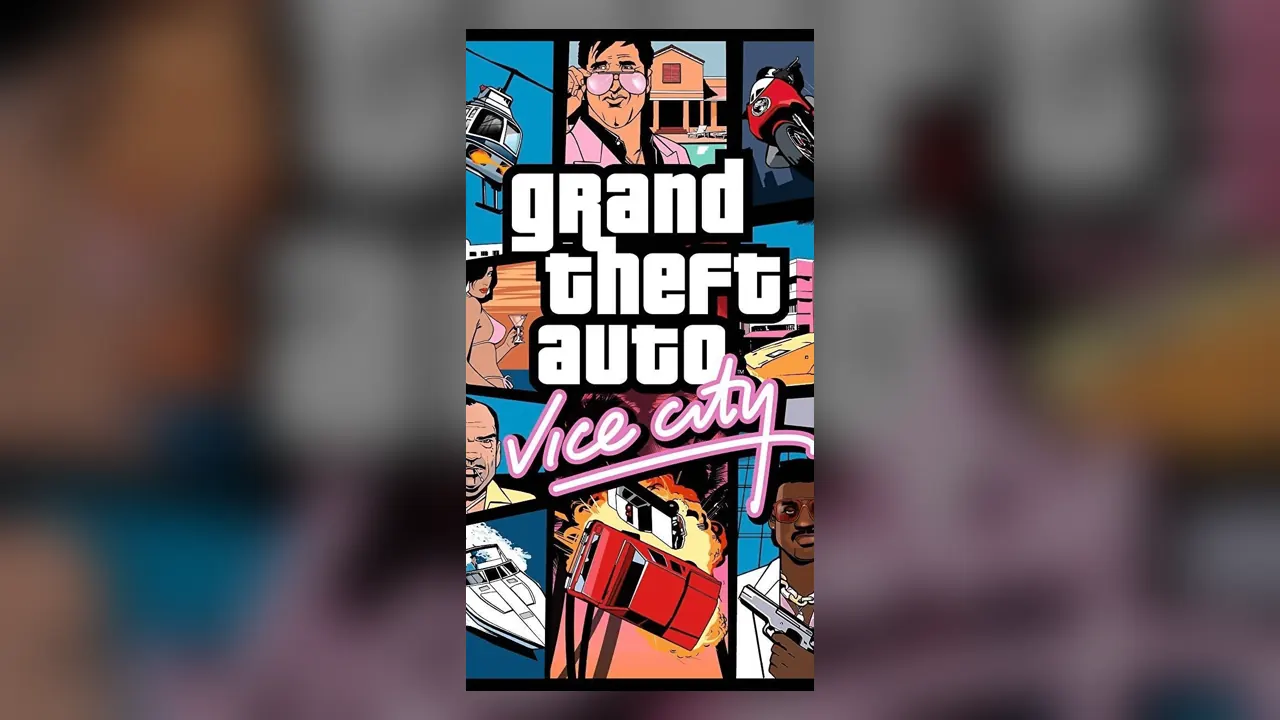
It is an unofficial fan project, not affiliated with Rockstar Games or Take-Two, and the page states it needs your own legitimate copy of the game. The original Vice City came out in 2002 from Rockstar North: Tommy Vercetti in a fictional 1986 Miami.
How to Play GTA Vice City in Your Browser
- 1Press Play and open the setup screen.
- 2Select your game.tar.gz. If your copy is a .rar or .7z, unpack it first.
- 3Wait for the import to reach 100%. It is extracted into your browser’s private storage (OPFS), only once.
- 4Optionally add saves or skins and switch on cheats, then press “Start to play”.
- 5Next time, the game loads straight from your browser without importing again.
Saves, Skins and Cheats
Import your PC saves
Add GTA Vice City PC saves named GTAVCsf1.b to GTAVCsf8.b, or a .zip with one inside. Importing into a used slot replaces it, and you can download saves to back them up.
Custom skins for Tommy
Add a .bmp, .png, .jpg or .zip skin. In game, open Options → Player Skin Setup. Skins change his everyday outfit, not cutscenes.
Cheats
Off by default. Switch them on in setup; in game, F3 opens the cheat input.
Settings
Language, fullscreen and a max FPS cap (0 means unlimited).
GTA Vice City Browser on Mobile and Android
Phones and tablets
The port has on-screen touch controls and asks you to rotate to landscape. It needs about 700 MB of browser storage, so a phone with little free space may fail to import.
Install as an app
You can add it to your desktop or home screen from the browser menu for a full-screen window.
Desktop
Chrome 110+, Firefox 111+ or Safari 16.4+ with WebAssembly, OPFS and Service Worker support.
GTA Vice City Browser Not Working?
Import stops or fails
Make sure the file is a .tar.gz, not a .rar or .7z, and that the browser is allowed to store site data. Private windows often block it.
The game is gone next visit
Clearing site data or browser storage deletes the imported game. “Reset game data” also deletes saves and skins.
Old browser
Update to Chrome 110+, Firefox 111+ or Safari 16.4+. Older versions lack the storage features the port uses.
GTA Vice City Browser FAQ
Do I need my own copy of GTA Vice City?
Yes. The page includes no game data and says you need a legitimate copy. You import it as game.tar.gz once.
Can I play GTA Vice City in the browser offline?
Yes. After the first import the files live in your browser and a service worker serves them, so it runs without a connection.
Is the GTA Vice City browser port an emulator?
No. It is the reVC engine, an open-source reimplementation, compiled to WebAssembly and running natively in the tab.
Can I use my old Vice City saves?
Yes. Import PC saves (GTAVCsf1.b to GTAVCsf8.b) into a slot before pressing Start.
Sources
Facts on this page were checked on 2026-10-11.