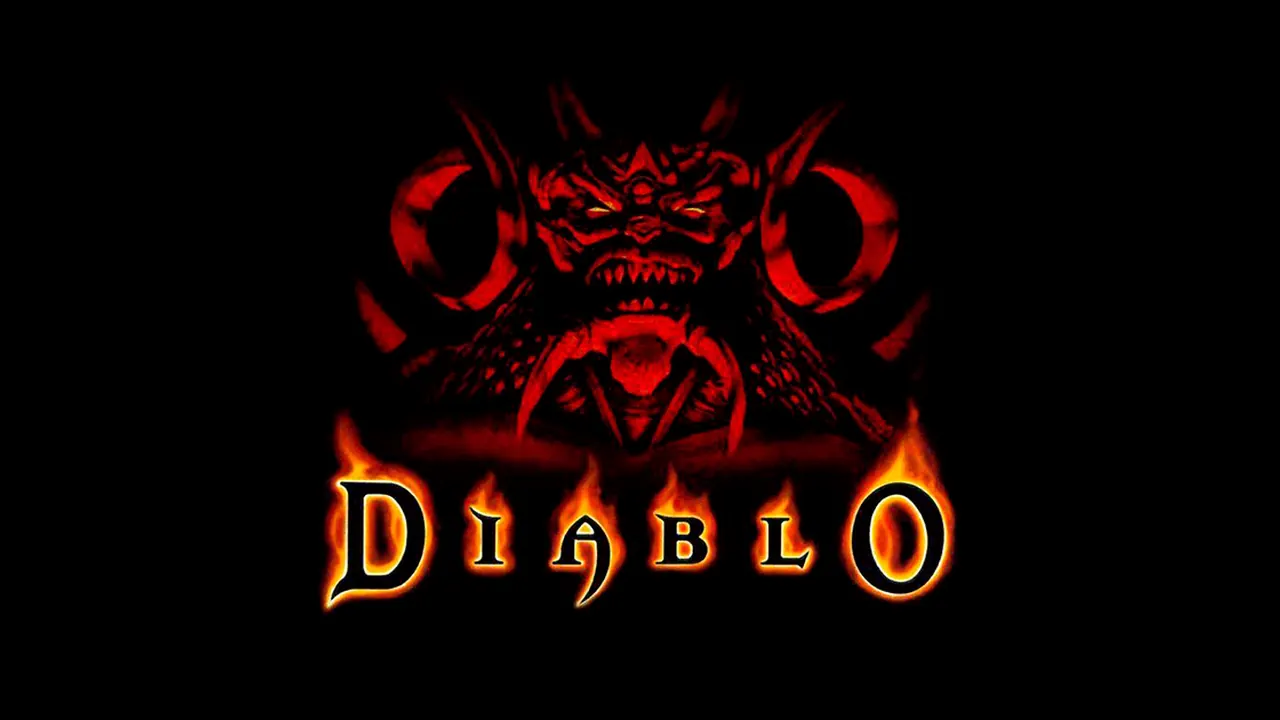
Diablo Free Demo vs Full Version in the Browser
| Mode | Data file | How to start |
|---|---|---|
| Free shareware demo | spawn.mpq | Choose Play Free Demo; it downloads on first use |
| Full game | DIABDAT.MPQ | Choose Load Your MPQ, or drop the file on the start screen |
- The demo has limited content. Retail game data is not included; DIABDAT.MPQ comes from a legal copy, such as Diablo on GOG.
- The start screen can compress an MPQ to make it smaller.
Diablo Browser Saves and Controls
Saves stay in your browser
Game files and saves live in IndexedDB in the current browser profile. There is no cloud save, so export saves before clearing browser data or switching devices.
One tab at a time
“Game already open” means another tab is using your saves. Close the other Diablo Web tabs first.
Mouse and keyboard
Mouse and keyboard play best. Touch controls exist but still need work; landscape gives more room on a phone.
Who Made Diablo Web
Diablo Web is a React and TypeScript client by Nikita Maksimov that wraps an existing WebAssembly build of the reconstructed Diablo engine. It handles the canvas, input, game files and saves. It is not made by Blizzard.
Diablo Browser FAQ
Can I play Diablo 1 in the browser for free?
Yes, the shareware demo is free and needs no files. The full game needs your own DIABDAT.MPQ.
Where do I get DIABDAT.MPQ?
From a copy of Diablo you own. The project points to Diablo on GOG as a legal source.
Does the Diablo browser version have multiplayer?
The project does not mention multiplayer; it is set up for single-player with local saves.
Sources
Facts on this page were checked on 2026-10-11.