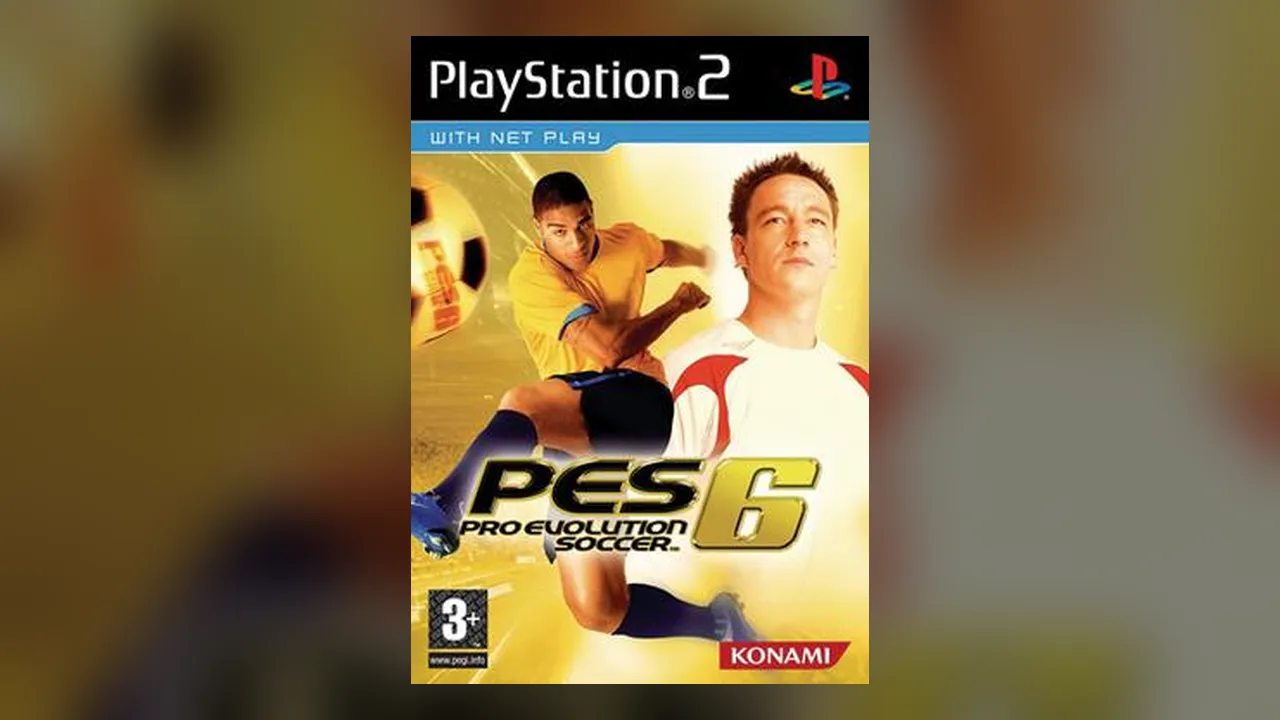
How to Play PES 6 Online in Your Browser
The site is in Spanish. You need a browser with WebGL2: Chrome, Edge or Firefox.
- 1Press Play and pick a commentary option: original Spanish, Mariano Closs (Argentina), or none, which is the lightest download.
- 2Navigate with the arrow keys or d-pad, Enter or Cross to confirm, Esc or Circle to go back.
- 3For online play, open the game’s Wireless (Inalámbrico) mode, create a name and pick a room in the Online tab.
PES 6 Online Multiplayer: Lag and Connection Types
Peer to peer
Online matches connect the two players directly (WebRTC), so lag depends on distance, ping and Wi-Fi, not on a server. A cable helps.
Reliable or Fast
In the Online tab, “Fiable” (reliable, default) is the most stable but can add delay; “Rápida” (fast) cuts delay but may drop packets.
Pick nearby rooms
Choose a room with players close to you and pause background downloads while playing.
PES 6 Browser Settings, Saves and Fixes
If it stutters
Set internal resolution to 1x (480x272), keep 30 FPS (60 FPS is experimental) and close other tabs. Old phones and low-end PCs may not reach full speed.
Graphics glitches
Update your graphics driver, enable hardware acceleration, try another browser, or switch off smoothing and the native renderer in the Graphics tab.
Saves and option files
Import a .zip or a PSP/SAVEDATA folder in the Saves (Partidas) tab. They stay in your browser.
Download the whole game
By default it downloads while you play; you can fetch the full ~300 MB in the background instead.
PES 6 Browser FAQ
Is PES 6 online free in the browser?
Yes. You open the page and play, with no registration or download.
Can I play PES 6 on my phone?
Yes. It has on-screen touch controls, though emulating a PSP is demanding and older phones may not run at full speed.
Can I load my PES 6 option file?
Yes. Import it as a .zip or a PSP/SAVEDATA folder in the Saves tab.
Sources
Facts on this page were checked on 2026-10-11.