What Eaglercraft 1.8.8 Is
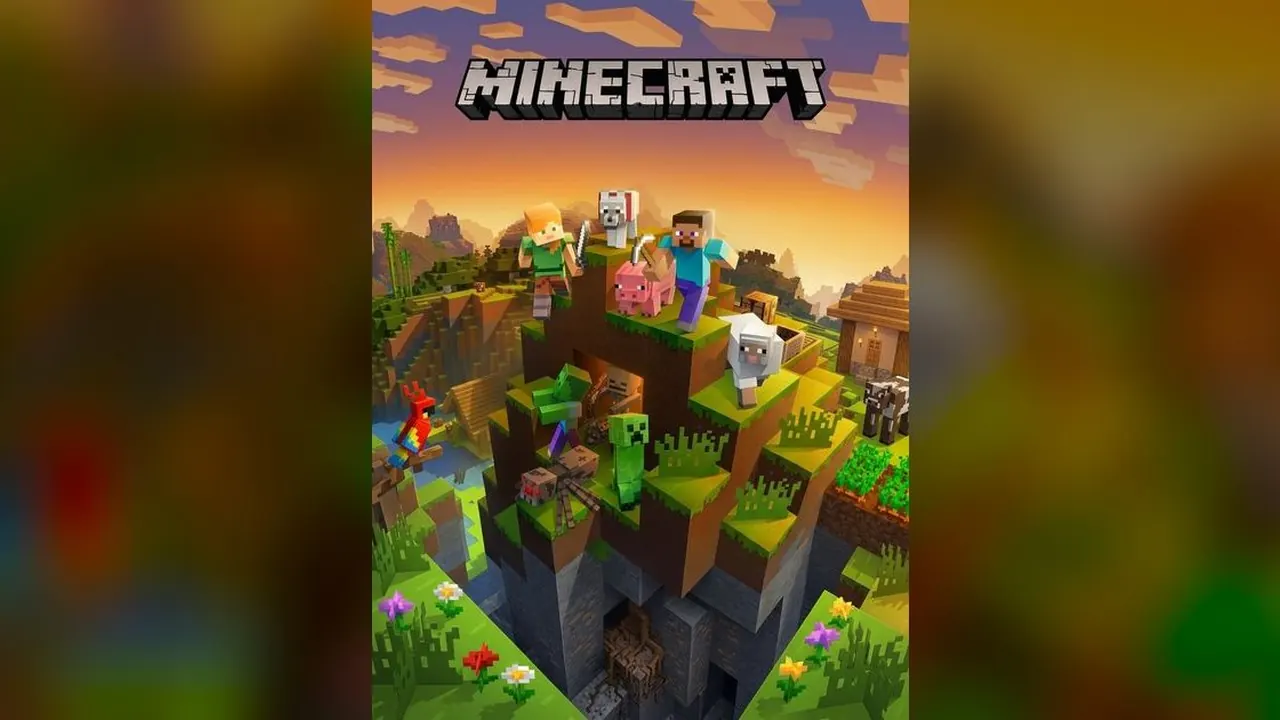
EaglercraftX compiles Minecraft 1.8.8 to WebAssembly and renders it with WebGL 2.0 in a normal tab. The 1.8 features are intact: the Nether and the End, redstone, enchanting, brewing and the full mob list, in survival or creative mode.
This page is on WASM Arcade, which is not affiliated with Mojang or Microsoft. WASM Arcade blocks embedding, so Play opens it in a new tab.
Eaglercraft Controls: Keyboard and Gamepad
| Action | Keyboard and mouse | Gamepad |
|---|---|---|
| Move | W A S D | Left stick |
| Look | Mouse | Right stick |
| Jump / swim up | Space | A |
| Sneak | Left Shift | Right stick click |
| Sprint | Left Ctrl or double-tap W | Left stick click |
| Break / attack | Left click | Right trigger |
| Place / use | Right click | Left trigger |
| Hotbar | 1–9 or mouse wheel | — |
Minecraft Browser FAQ
Is Minecraft 1.8.8 free in the browser?
The WASM Arcade page runs it free with no account. It is a community port, not Mojang’s official browser version.
Where are my Eaglercraft worlds saved?
In your browser on your device. Clearing site data deletes them.
Does this page have Eaglercraft servers?
This page is set up for single-player worlds and does not list multiplayer servers.
Sources
Facts on this page were checked on 2026-10-11.