How to Surf in the CS Surf Browser Game
Ride the ramp
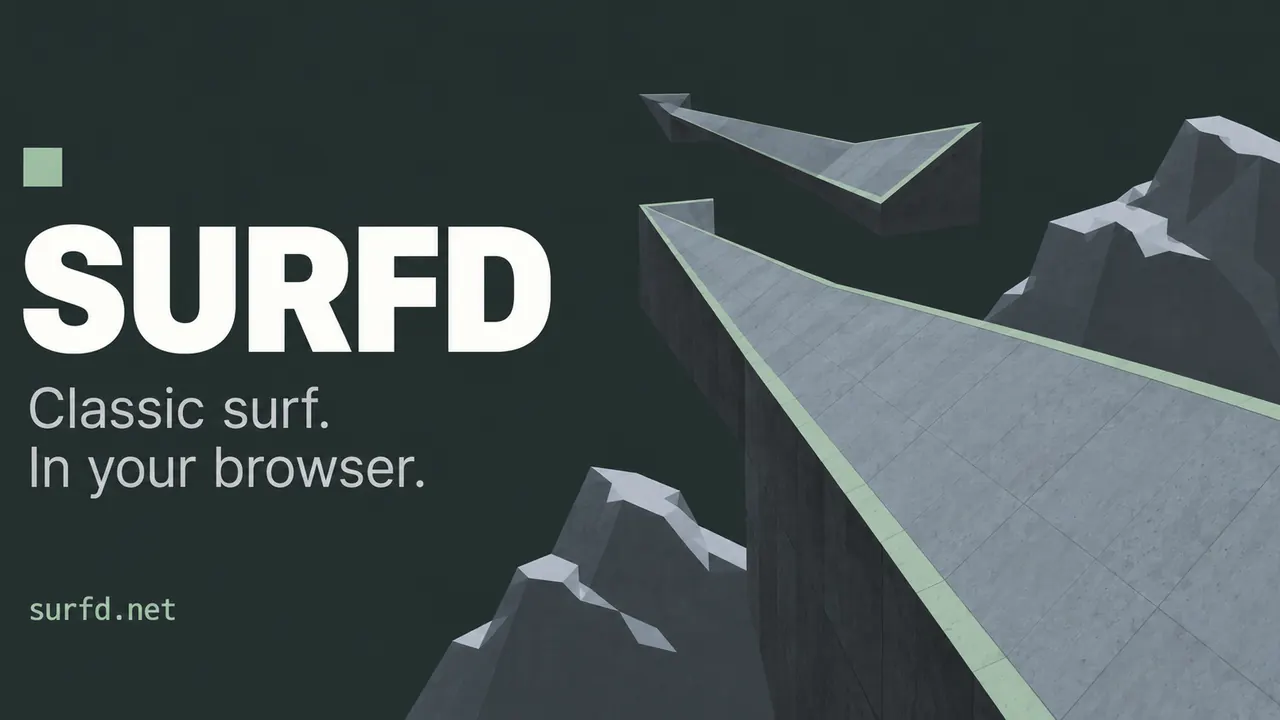
On a ramp, let go of W and hold the strafe key toward the ramp’s face. Turn the mouse gently to shape your line.
Start and finish
Green marks the start zone, gold the finish. The default course, surf_boreas by Syncronyze, is a Tier 1 linear map with two checkpoints.
Keys
WASD to move and strafe, Space or mouse wheel down to jump, Shift to duck, R to restart, Esc for the menu. Every action can be rebound.
Leaderboards, Practice Mode and Replays
Leaderboard rules
Ranked runs use auto bunnyhop with a capped start: leaving the start zone limits you to 325 units/s on the ground and 350 in the air. Unrestricted starts keep separate local bests and never reach the leaderboard.
Practice mode
Save and load positions to drill a tricky section. Practice runs do not set records.
Replays
Download a command replay of your run (movement and view inputs, not a video) and turn on movement diagnostics.
Settings for Counter-Strike Surf Players
CS:S sensitivity
Sensitivity uses the Counter-Strike: Source scale (0.022° per count), so you can copy your CS value. FOV defaults to 90.
Turn binds
Optional keys for turning, with cl_yawspeed-style presets (CS:S default is 210).
Performance
Rendering quality has Balanced, Native and Performance modes; none of them change movement or mouse response.
CS Surf Browser FAQ
Is CS surf free in the browser?
Yes. Surfd is free to play and needs no download or game files.
Can I play CS surf on mobile?
Surfd is built for desktop with a keyboard and mouse, which surfing needs for strafing.
Do I need Counter-Strike installed?
No. Surfd is its own browser game that recreates Source-style surf movement.
Sources
Facts on this page were checked on 2026-10-11.